UEVR-一款可以轻松将虚幻引擎游戏转换为 6DOF VR 游戏的强大工具的教程和常见问题

2

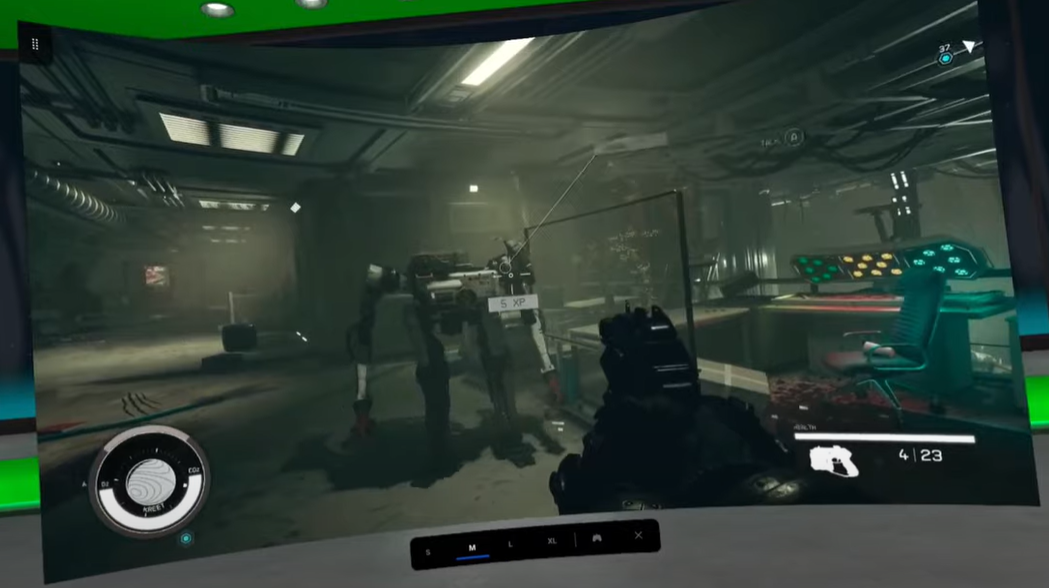
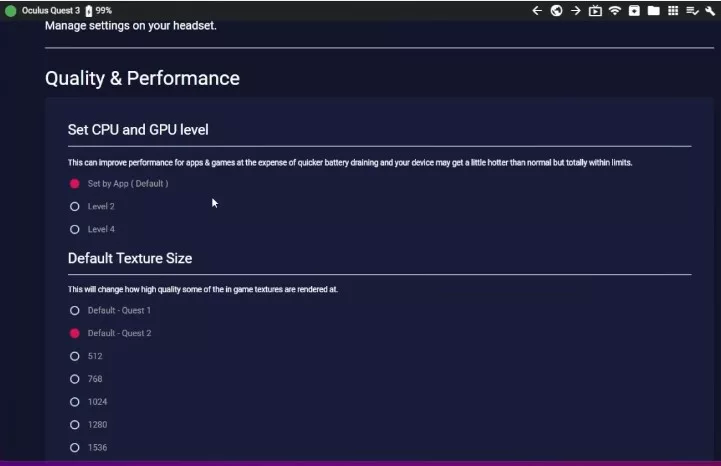
UEVR的特点: 安装/使用 首先电脑里要安装好安装 .NET 6.0。【点击下载】 下载UEVR.zip。【github下载】。注意:防病毒软会提示病毒。您可能需要将 UEVR 目录列入白名单并取消隔离防病毒软件可能已删除的任何文件。如果介意请立即停止下载,本文不做任何安全保证。 解压后: 注入前要注意的事项: 仔细检查您要注入的游戏是否有反作弊机制。如果您不确定,那请假设所有多人游戏都有反作弊功能,并且不要尝试注入其中。这里的例外是,如果可以通过某种方式禁用它来离线玩。 有些游戏可以完美运行,而有些游戏会出现问题,下面是一些常见问题及简单解决方法: 游戏内菜单按键: 按控制器上的Insert键或L3+R3可访问游戏内菜单,该菜单在启动时默认打开。打开菜单后,按住RT可使用各种快捷键:

在Windows 11下安装Quest3 驱动的方法

OIG jpg

前言: 有玩过quest2的小伙伴都知道,想要把quest连接电脑就需要在电脑上安装quest驱动,具体安装可以看我之前的这篇文章。 但在win11系统中发现原先的安装驱动方法安装不了。别担心,请按我们下面的步骤操作试试。 操作步骤: 1、下载oculus-adb-drivers,【官网下载】,大部开官网的可以到我的网盘下载【百度网盘下载】。 2、解压下载的压缩文件。 3、打开win11的设置-系统-系统信息-设备管理器-点击上方菜单的操作-添加过时硬件。 4、点下一步,选择“安装我手动从列表选择的硬件”,下一步 5、再下一页默认,选择从“磁盘安装”,选择刚解压的文件内的“android_winusb.inf”文件,打开。 6、确定后,默认不用修改,直接下一页,等待安装完成即可。

Quest系列头显无线串流PC的三种方法,各有优缺点。

capsule 616x353 jpg

众所周知,Quest1、2、3系列头显是Meta的VR一体机,本身可以独立运行的。但我们也可以串流PC,用PC强大性能来玩很好玩的游戏或更多玩法。本文就想说下目前为止,3种串流的方法和各自的一些特点。 一:Steam刚推出的支持Quest2、3的无线串流功能Steam Link VR。 使用方法: 优点: 缺点: 二:Oculus Air Link串流PC 详细设置请看我之前文章 优点: 缺点: 三、通过Virtual Desktop实现无线串流PC 详细情况可以看之前文章 优点: 缺点: 总结: 三种方式各有优缺点,如果小伙伴只是想串流PC玩玩游戏,可以选择免费的Steam Link VR或官方自带的AIR Link完全够用。之前购买过Virtual Desktop的小伙伴也不用后悔,Virtual Desktop是一款非常优秀的APP,目前一些功能也是别人还没有的,对远程桌面支持也很好。

Tutorial on customising songs for Beat Saber for Quest

Designer 2 2 jpeg

Beat Saber is by far the most played VR game, but how many of you start playing new songs after a while? Don’t worry, just follow this tutorial and you can customise your song library. But before you get started, you also need to understand the possible consequences of modifying Beat Saber 1, the original … Read more

Tutorial for installing third-party apps on Quest VR

Designer 4

What’s the best way to install third-party apps on Oculus Quest VR? It’s really simple, just follow me. Step 1: Install SideQuest (if SideQuest is already installed, skip this step) Download: [Click here to download]Note: For windows please use Windows 8 and above, there may be problems with versions below windows 7. The installation process … Read more