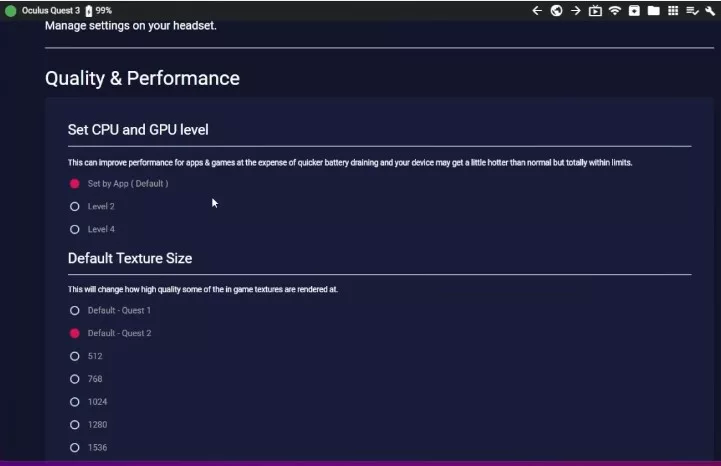
通过SideQuest进行简单几个步骤的操作,就能提高Quest 3的画质、帧率等
Continue reading
搬运未来科技-Moving Future Technology
通过SideQuest进行简单几个步骤的操作,就能提高Quest 3的画质、帧率等
Continue reading
Beat Saber is by far the most played VR game, but how many of you start playing new songs after a while? Don’t worry, just follow this tutorial and you can customise your song library. …
Continue reading
One of the major pain points of VR is that you can only have fun alone, but it’s hard to share the fun, and that’s especially true of VR all-in-ones. To others, you look like …
Continue reading
Meta Quest 2 wireless streaming PC tutorial and setup method
Continue reading
SideQuest and any remote adb tool will do. Enter the commands one by one, can not be saved permanently, you need to re-run the commands after shutdown and reboot.
Continue reading
Preface: Quest cast the screen is the most convenient is to use the official APP cast the screen, but after all, the phone screen is very small, not good and friends to share, so can …
Continue reading
What’s the best way to install third-party apps on Oculus Quest VR? It’s really simple, just follow me. Step 1: Install SideQuest (if SideQuest is already installed, skip this step) Download: [Click here to download]Note: …
Continue reading
支持Meta Quest 3 的MR应用
Continue reading
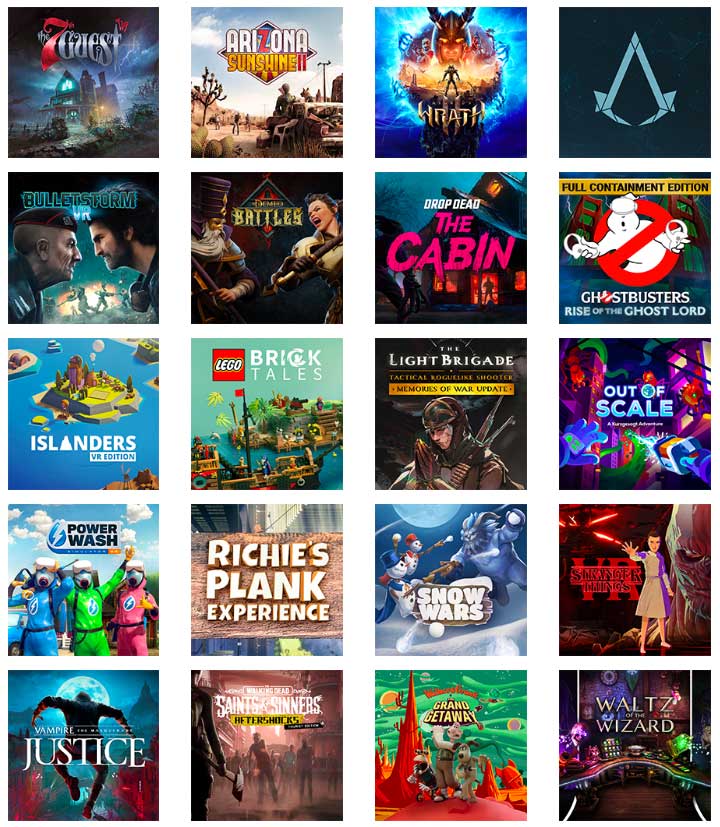
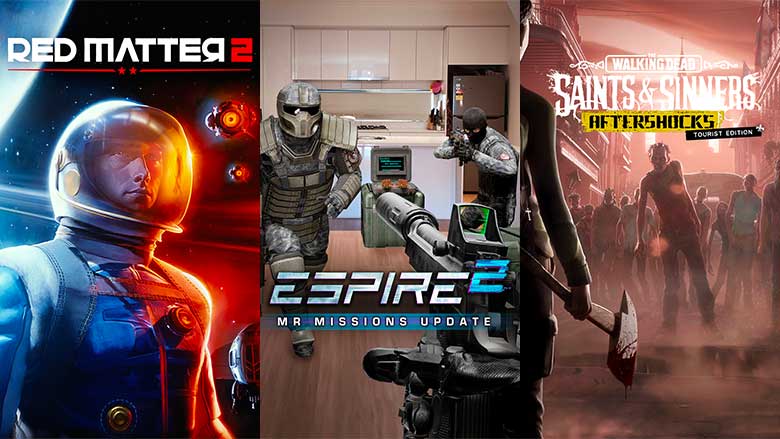
目前很多小伙伴已经收到了Meta Quest 3,因为Meta Quest 3 的图形处理能力是Meta Quest 2 的两倍,所以它应该迄今为止最强大的VR一体机。全新 Snapdragon XR2 Gen 2 平台的设备。与 Quest 2 相比,分辨率提高了近 30%,成为整个 Meta Quest 系列最高的分辨率。但与 Quest 2 相比,这些增强的处理能力、下一代薄饼镜头光学, 25% 的清晰度提升 那到底有哪些游戏和应用有或有准备做出优化呢?我们根据官方公布数据,推荐体验对Quest 3做出优化的游戏列表 目前为止,已上市的有: 即将上市的有:
Continue reading
v56 更新包含许多改善体验的新功能,包括改进的手部追踪、与朋友联系的新方式、系统级实时字幕、Facebook 直播等等。 详情如下。另外,因系统更新是批量推送的。如果您还没有看到 v56 更新,请不要着急,耐心等待即可。 1、改进手部追踪 V56 推出了手势追踪 2.2,重点关注手部响应能力,以提供更像控制器的体验。这包括在一般使用中减少高达 40% 的延迟,在快速移动中减少高达 75% 的延迟,以及使快节奏游戏的响应速度更快的改进。小伙伴可以安装新的演示应用程序“ Move Fast ”或“ VR Workout ”来体验 。 期待今年晚些时候推出的Meta Quest 3 会带来更多改进。 2、直接进行Facebook直播 通过 Facebook 直播,可以让更多人同您一起玩您喜爱的游戏时,体验 VR的魅力。首先,只需将您的 Facebook 帐户添加到与您的 Meta 帐户相同的帐户中心即可。 备受期待的 …
Continue reading
The first things to prepare are: 1、Oculus Quest 2 2、Link cable (better quality) 3、A high end computer (recommended 2070 graphics card or above), with a good Oculus PC client installed in advance Steps: 1、Connect the …
Continue reading
Earlier we talked about VR spatial positioning and motion capture as if they were the soul of VR, so in this chapter we talk about the most important physical part of a VR virtual reality …
Continue reading